
Planning One Product Shoot That Works for Every Marketplace
Selling on more than one marketplace means more image and video formats, not more shoot days. Here is how to plan a single shoot that covers listings, short video and everything in between.
Brands that sell on several marketplaces often end up with a patchwork of images: a few studio shots from launch, some phone photos taken later, and a handful of videos made for one platform and squeezed into another. Each marketplace looks slightly different, and none of them looks its best.
It doesn’t need to be that way. With a bit of planning, one shoot can produce a consistent set of images and clips for every channel you sell on. This article sets out how we approach it. Each marketplace publishes its own image and video requirements, and they change, so check the current guidance for every platform and category before the shoot, not after.
Start with the buyer’s questions
The best product images answer questions. Before planning shots, list what buyers ask about the product: How big is it? What is it made of? What comes in the box? How does it work? What does it look like in use? Your customer messages, reviews and return reasons are the best source. Each question becomes one or more shots.
Build a shot list
A written shot list keeps the day focused and makes sure nothing is missed. A typical list includes:
- A clean main image of the product on its own, following each marketplace’s main-image rules
- Alternative angles: front, back, sides and top
- Detail shots of materials, stitching, fastenings, ports or finishes
- A scale shot showing the product next to something familiar, or held in a hand
- Everything included in the box, laid out clearly
- Lifestyle images showing the product in use, in a believable setting
Frame for every crop
Leave room around the product
Marketplaces display images in different shapes: square listing images, tall vertical video, wide banners. Shoot with generous space around the product so the same frame can be cropped to square, vertical or landscape without cutting anything important off.
Keep lighting and backgrounds consistent
Use the same lighting set-up and background across a range so products look related when they appear side by side. Note the settings, so a reshoot or a new colourway months later can match.
Shoot the real product
Use production stock rather than an early prototype wherever possible. If the colour, finish or packaging changes later, the images will no longer match what buyers receive — and that is a common reason for disappointed reviews.
Capture short video on the same day
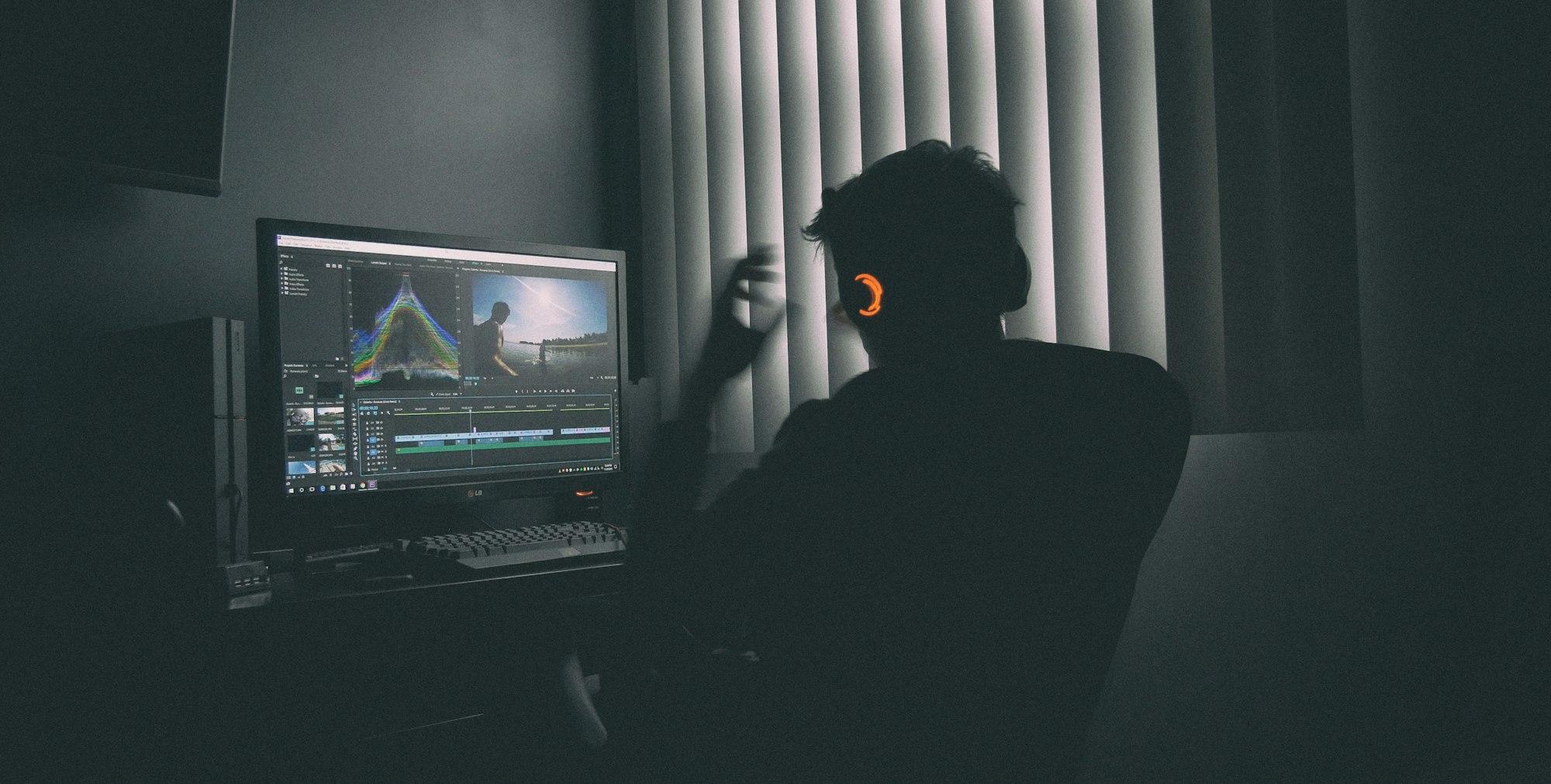
Short vertical video matters on TikTok Shop and is increasingly useful elsewhere. While the set is built, capture simple clips: the product being unboxed, handled, opened, used and put away. Film a few seconds either side of each action so editors have room to cut. Clean, well-lit clips like these can be edited into listing videos, adverts and briefs for creators later.
If you work with creators, the same session is a good moment to gather reference material for them: close-ups of key features, the correct way to use the product and any claims they should avoid. A short, accurate brief helps creators make content that is both natural and true to the product.
Organise the files
A good shoot is wasted if nobody can find the right file later. Agree a simple system before the day:
- Name files by product, variant and shot type, so they sort sensibly.
- Keep untouched originals separate from edited exports.
- Export separate versions for each marketplace’s preferred size and format.
- Record which images are live on which listing, so updates don’t get missed.
Review and refresh
Images aren’t finished at launch. As new questions appear in messages and reviews, add a shot that answers them at the next opportunity. A short refresh shoot once or twice a year is often enough to keep listings current.
If you would like help planning or editing product imagery and video, see our image editing and video editing services.